Scanning New Channels
Adding new channels when frequencies change.
- Press the
Menu buttonon the remote control - Select
Setup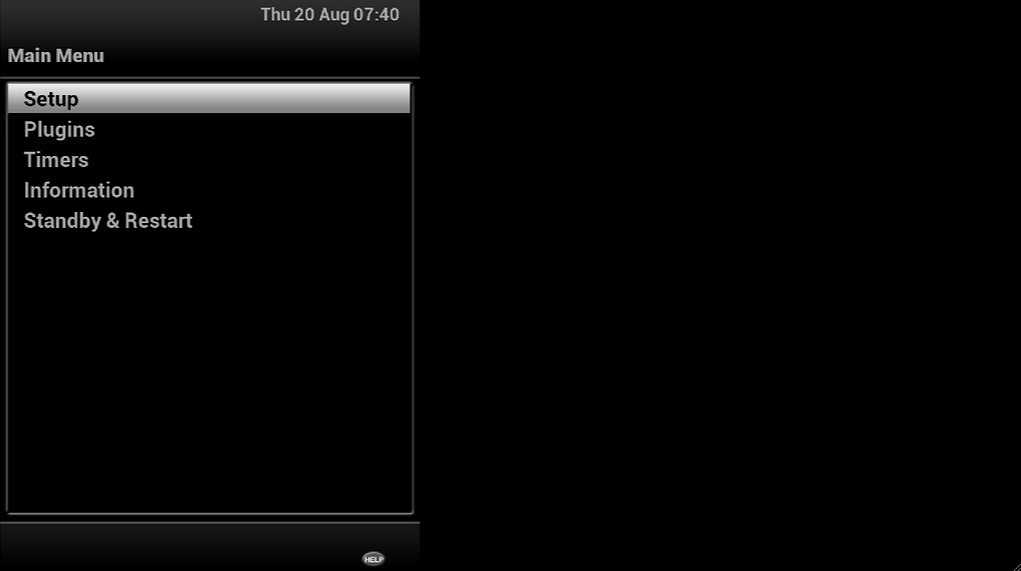
- Select
Tuners and Scanning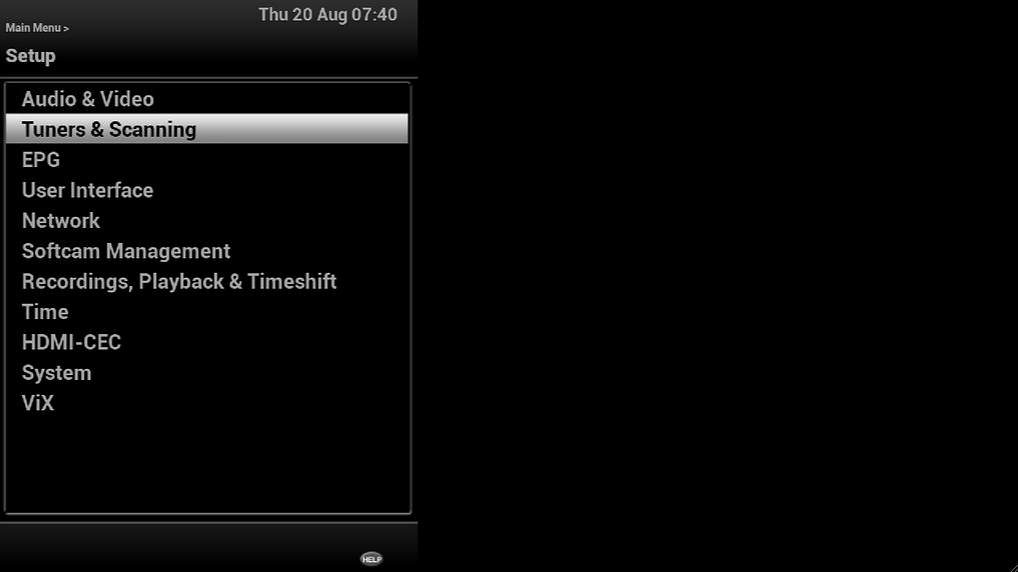
- Select
Blind scan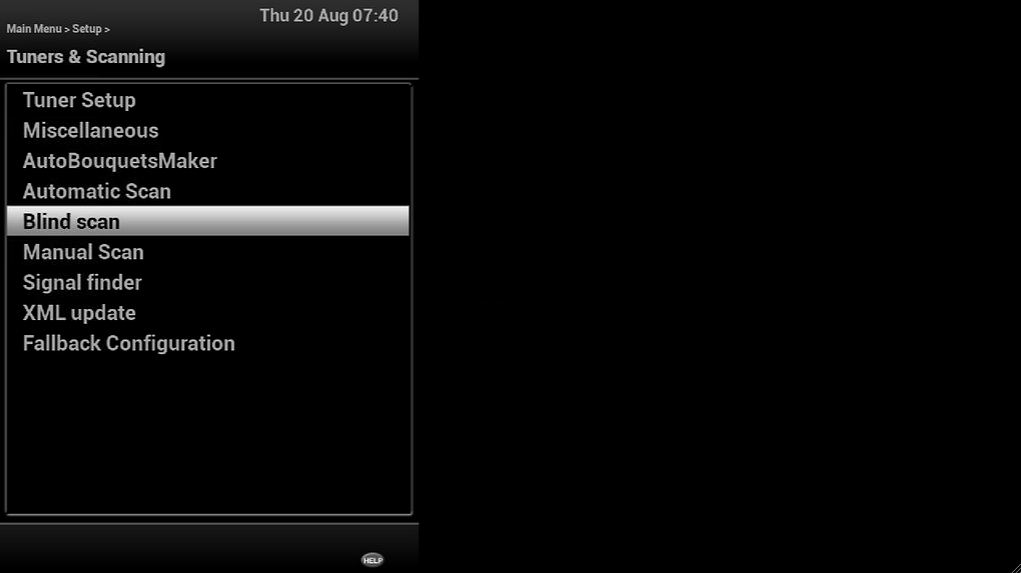
- Make sure it's set to 42.0e Türksat, then Select
Scanby pressing the Green button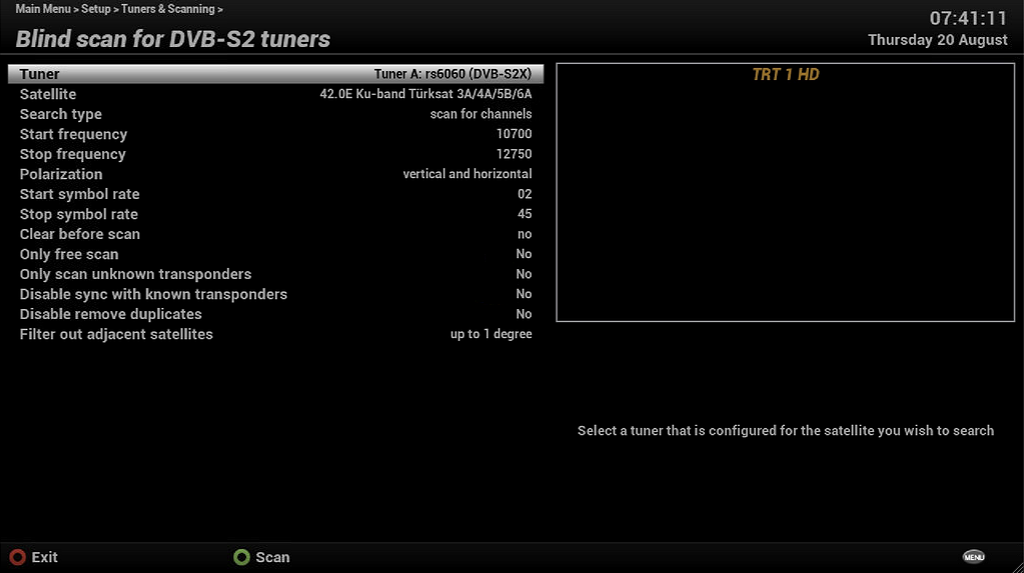
- Let the scans complete, it will look like the images below.
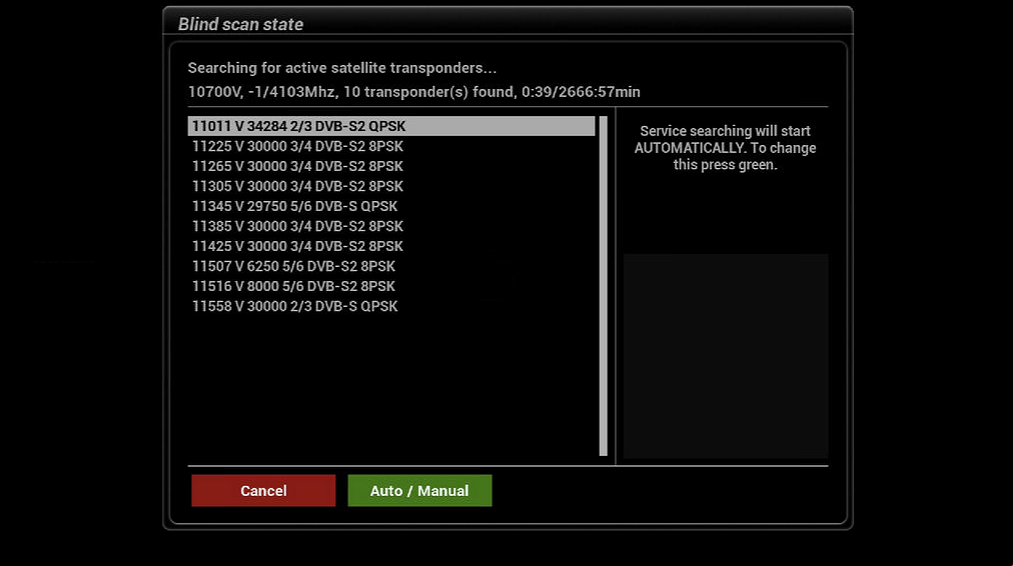
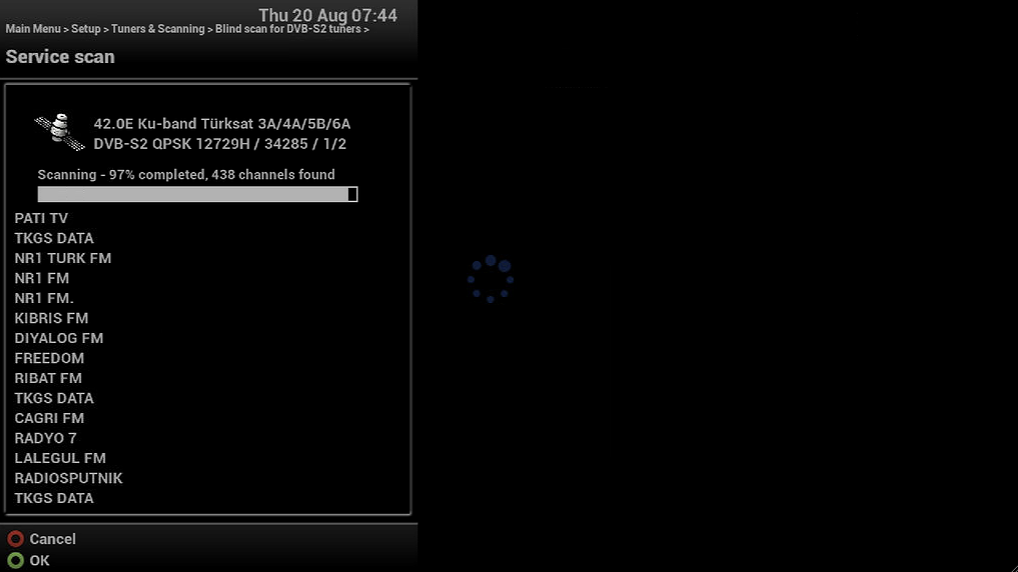
- Once it gets to 100% then press the Green button which is
OK.